How to Change the Default Notes Account on iPhone
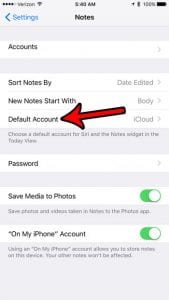
To change the default Notes account on iPhone, open Settings, tap Apps, tap Notes, tap Default Account, and choose an account such as iCloud or …
How-to guides and tutorials about setting up accounts on your phone or computer.
To change the default Notes account on iPhone, open Settings, tap Apps, tap Notes, tap Default Account, and choose an account such as iCloud or …
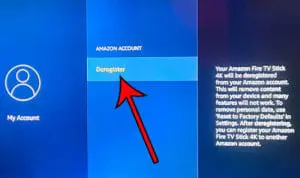
To sign out of an Amazon account on a Fire TV Stick, go to Settings > Account & Profile Settings > Amazon Account and choose …
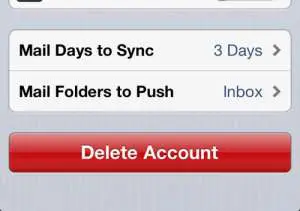
To delete an email account on iPhone, open Settings, tap Apps > Mail > Mail Accounts, tap the account, and tap Delete Account (some accounts …
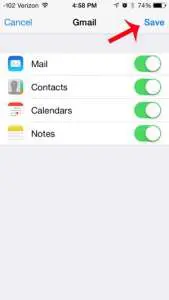
To add Gmail to Apple’s Mail app on an iPhone or iPad, open Settings > Apps > Mail > Mail Accounts > Add Account, choose …
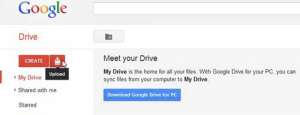
To access your Google cloud storage, go to drive.google.com for your files, photos.google.com for your pictures and videos, and one.google.com to see how much space …
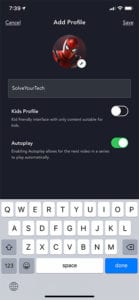
To create a new profile in the Disney+ app on your iPhone, tap your profile icon in the bottom-right corner, tap (+) Add Profile, choose …
You no longer have to enable the new Gmail. The current design is already on for Gmail on the web, and Google’s help pages don’t …
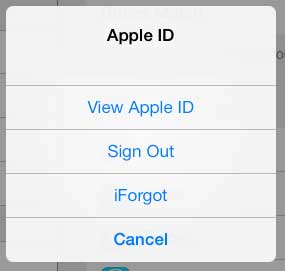
To sign out of your Apple Account on iPad, open Settings, tap your name, scroll to the bottom, and tap Sign Out. Choose Sign Out …
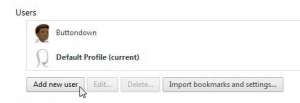
To add a new user in Google Chrome, click the Profile icon at the top right, then click Add Chrome profile. Sign in with a …