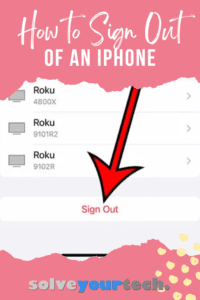
How to Sign Out of Your Apple Account on an iPhone
To sign out of your Apple Account on an iPhone, open Settings, tap your name at the top, scroll to the bottom, and tap Sign …
How-to guides and tutorials that answer questions you might have about signing out on your apps and devices.
To sign out of your Apple Account on an iPhone, open Settings, tap your name at the top, scroll to the bottom, and tap Sign …

To sign out of an Amazon account on a Fire TV Stick, go to Settings > Account & Profile Settings > Amazon Account and choose …

To sign out of Prime Video on a Roku, open the Prime Video app, go to Settings, scroll to the bottom of the list, and …
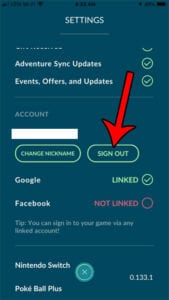
To sign out of Pokémon GO, open the game, tap the Main Menu (the Poké Ball button) in Map View, tap Settings at the top …