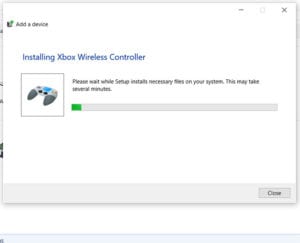
How to Connect an Xbox One Controller to a Windows PC
To connect an Xbox One controller to a Windows PC, plug it in with a USB cable, or pair it over Bluetooth: press the Xbox …
How-to guides and tutorials about topics related to the Microsoft Windows 10 operating system and the ways that you can modify it to suit your needs.
To connect an Xbox One controller to a Windows PC, plug it in with a USB cable, or pair it over Bluetooth: press the Xbox …
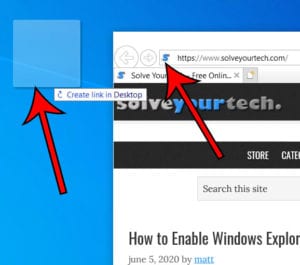
To create an internet shortcut in Windows 10, open the website in your browser, make the browser window smaller so you can see the desktop, …
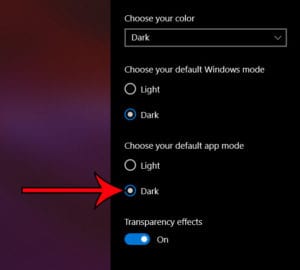
To make File Explorer dark, open Start > Settings > Personalization > Colors and pick Dark: under Choose your mode in Windows 11, or under …
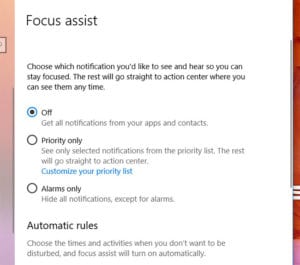
To turn off Focus assist in Windows 11, where it is now called Do not disturb, press Windows key + N to open the notification …
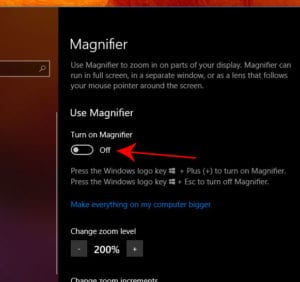
The fastest way to turn on Magnifier in Windows 10 is to press the Windows logo key + Plus (+). To do it with the …
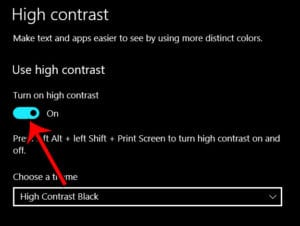
In Windows 11, open Start > Settings > Accessibility > Contrast themes, choose a theme, and select Apply. The fastest way on any version is …
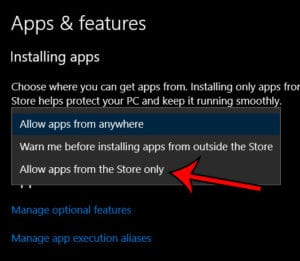
To only allow apps from the Microsoft Store, open Settings > Apps > Advanced app settings in Windows 11 (or Settings > Apps > Apps …
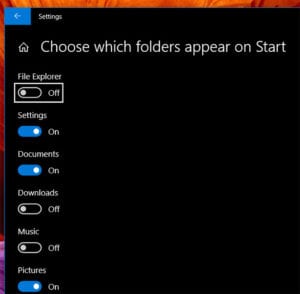
To add folders like Documents, Downloads or Pictures to the Start menu in Windows 11, go to Settings > Personalization > Start > Folders and …
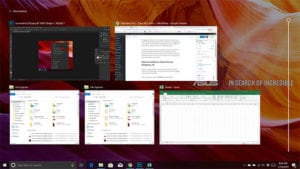
Task View shows all of your open windows at once so you can switch to, arrange or close them, and it’s where you create and …
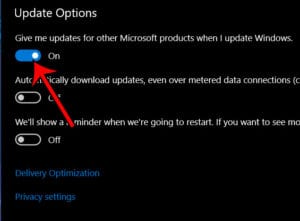
To get updates for other Microsoft products when you update Windows 11, open Start > Settings > Windows Update > Advanced options and turn on …
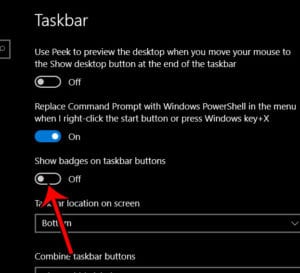
To remove the numbers from taskbar icons in Windows 10, right-click an empty spot on the taskbar, choose Taskbar settings, and turn off Show badges …
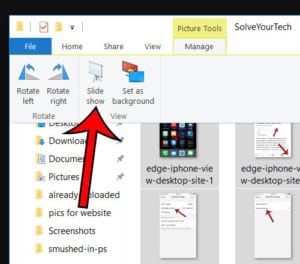
To view pictures as a slideshow in Windows 10, open the folder with your pictures in File Explorer and select the photos you want. Click …
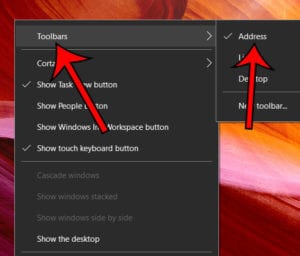
The word Address with a text box next to it at the bottom of your Windows 10 screen is the Address toolbar. It sits on …
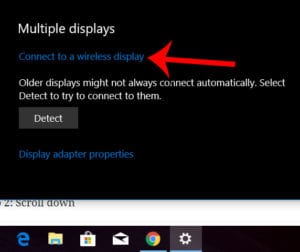
To wirelessly connect to another display in Windows, turn on the TV or projector, press Windows key + K, and select the display from the …
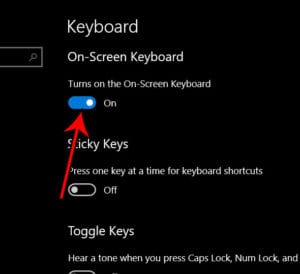
The fastest way to turn on the On-Screen Keyboard in Windows 11 or Windows 10 is to press Windows key + Ctrl + O. If …
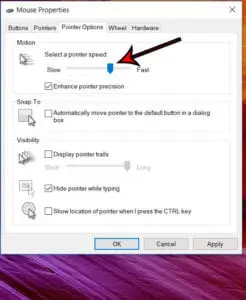
To change your mouse pointer speed in Windows 11, select Start > Settings > Bluetooth & devices > Mouse, then drag the Mouse pointer speed …
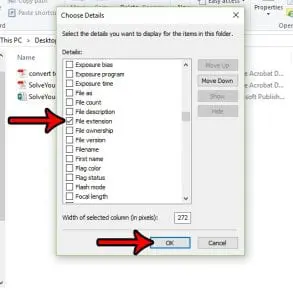
To add another column in File Explorer, switch the folder to Details view, right-click any column heading, such as Name or Date modified, and click …