
How to Set Up Wireless Printing With the Brother HL-2270DW
There are two ways to put a Brother HL-2270DW on Wi-Fi. Run Brother’s installer on a Windows PC, choose Wireless Network Connection, and let the …
How-to guides and tutorials about printers made by Brother.
There are two ways to put a Brother HL-2270DW on Wi-Fi. Run Brother’s installer on a Windows PC, choose Wireless Network Connection, and let the …

This post contains affiliate links. As an Amazon Associate, solveyourtech.com earns from qualifying purchases, at no extra cost to you. To replace the toner on …

This post contains affiliate links. As an Amazon Associate, solveyourtech.com earns from qualifying purchases, at no extra cost to you. To print to a Brother …
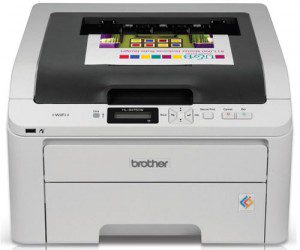
To manually reset a toner cartridge on a Brother HL-3075CW, turn the printer on, open the top cover, and press Secure Print and Cancel together. …
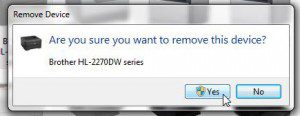
To uninstall a Brother HL-2270DW on Windows 11, open Settings, go to Bluetooth & devices > Printers & scanners, select the HL-2270DW, and click Remove. …
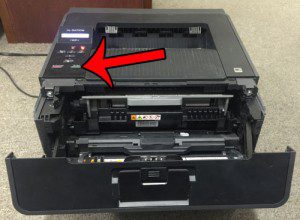
This post contains affiliate links. As an Amazon Associate, solveyourtech.com earns from qualifying purchases, at no extra cost to you. To reset the drum life …

This post contains affiliate links. As an Amazon Associate, solveyourtech.com earns from qualifying purchases, at no extra cost to you. To connect the Brother MFC-J4510DW …